| View Issue Details [ Jump to Notes ] | [ Print ] | ||||||||
| ID | Project | Category | View Status | Date Submitted | Last Update | ||||
| 0012018 | ParaView | Bug | public | 2011-03-28 22:37 | 2016-07-13 20:44 | ||||
| Reporter | Alan Scott | ||||||||
| Assigned To | Marcus D. Hanwell | ||||||||
| Priority | normal | Severity | minor | Reproducibility | always | ||||
| Status | closed | Resolution | fixed | ||||||
| Platform | OS | OS Version | |||||||
| Product Version | |||||||||
| Target Version | Fixed in Version | ||||||||
| Summary | 0012018: Save screenshots and 2d windows different. | ||||||||
| Description | From a user: The attached figs show the result of a 'Save Screenshot' in PV 3.10.0 64 bit, vs. what's actually on the screen (captured with PrtSc). In the line-plots, 'Save Screenshot' changed both the font and tick-marks from what's on the screen. I manually increased the rez for the screenshot, but would like the fonts etc to stay the same. | ||||||||
| Tags | No tags attached. | ||||||||
| Project | Sandia | ||||||||
| Topic Name | |||||||||
| Type | |||||||||
| Attached Files | 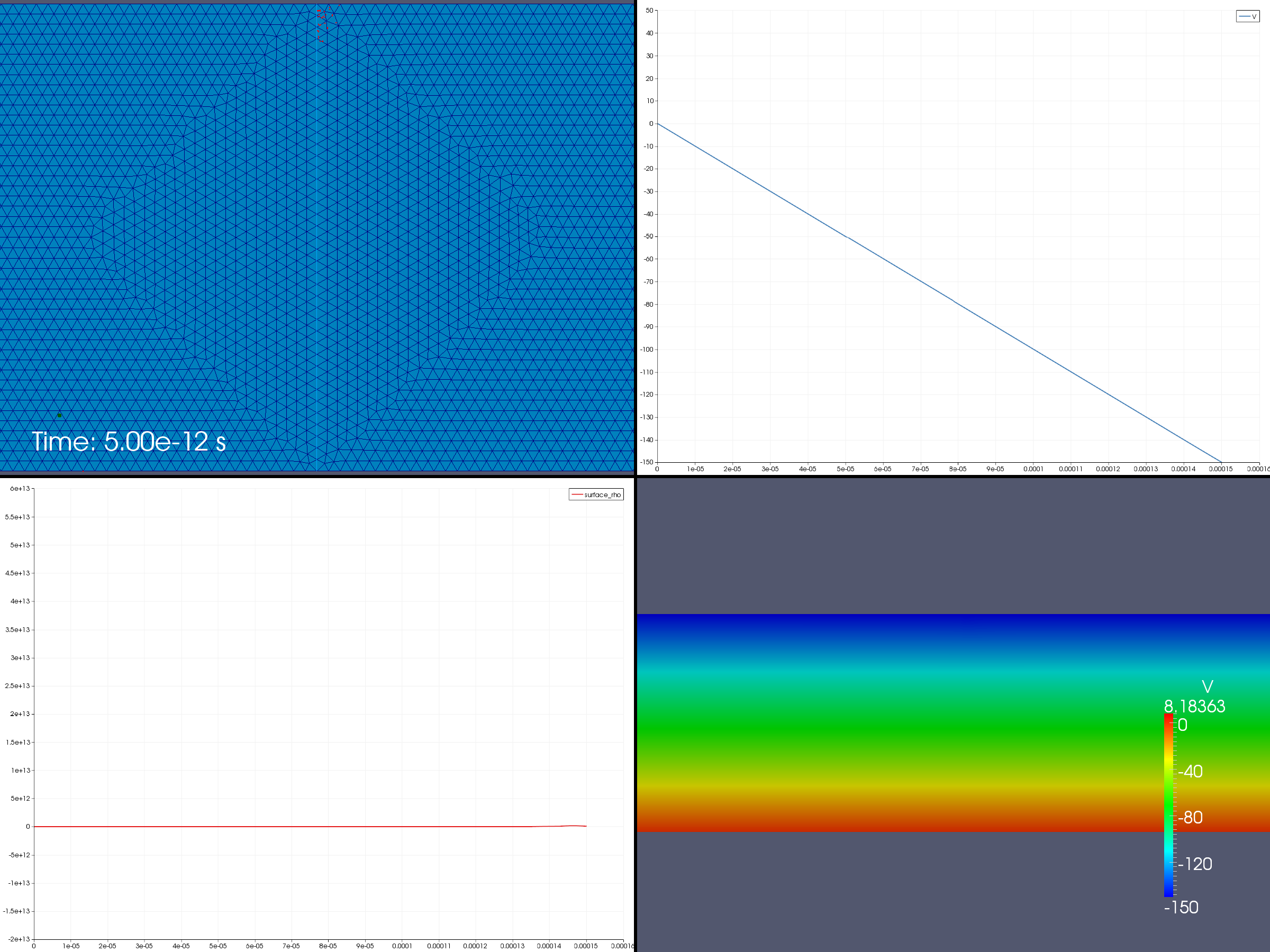 n10.png [^] (167,217 bytes) 2011-03-28 22:37 n10.png [^] (167,217 bytes) 2011-03-28 22:37
 Screenshot-ParaView_3_10_0_64-bit.png [^] (214,601 bytes) 2011-03-28 22:38 Screenshot-ParaView_3_10_0_64-bit.png [^] (214,601 bytes) 2011-03-28 22:38
| ||||||||
| Relationships | ||||||
|
||||||
| Relationships |
| Notes | |
|
(0025952) Utkarsh Ayachit (administrator) 2011-03-29 10:02 |
Note the different you see if because when you saved the screenshot you requested a 2400x1800 image, while on screen you are seeing a approx 1300x950 image. In the plots, the fonts have fixed "pixel size". So when you when you save a larger image, the fonts seemed scaled down. We should be scaling the fonts on the chart views (similar to what the render views do for 2D text). |
|
(0025953) Ken Moreland (manager) 2011-03-29 10:47 |
This is actually a pretty common scenario. Someone will be using a desktop or laptop with a moderate display and want to create screenshots of a high resolution. We already encountered this font problem with the fonts in 3D views (text source, color bar, etc.). You used to have to make these huge fonts and hope that they came out in the right size and position. I fixed that by, as you suggested, scaling the fonts based on the image size. This resizing happened regardless of whether rendering to a window or creating a screenshot. There is a static function in vtkTextActor called GetFontScale that the current 3D widgets use to scale fonts based on the screen size. vtkTextActor also has an example of using this function. For consistency, the charts should probably use the same method. |
|
(0036438) Alan Scott (manager) 2016-07-13 20:44 |
This looks really good. I replicated the images below with disk_out_ref, and clip. Tested local server, Linux, 5.1.1 |
| Notes |
| Issue History | |||
| Date Modified | Username | Field | Change |
| 2011-03-28 22:37 | Alan Scott | New Issue | |
| 2011-03-28 22:37 | Alan Scott | File Added: n10.png | |
| 2011-03-28 22:38 | Alan Scott | File Added: Screenshot-ParaView_3_10_0_64-bit.png | |
| 2011-03-29 10:02 | Utkarsh Ayachit | Note Added: 0025952 | |
| 2011-03-29 10:02 | Utkarsh Ayachit | Assigned To | => Marcus D. Hanwell |
| 2011-03-29 10:02 | Utkarsh Ayachit | Status | backlog => tabled |
| 2011-03-29 10:47 | Ken Moreland | Note Added: 0025953 | |
| 2011-03-29 10:47 | Ken Moreland | Relationship added | related to 0006096 |
| 2011-09-01 10:56 | Utkarsh Ayachit | Project | => Sandia |
| 2016-07-13 20:44 | Alan Scott | Note Added: 0036438 | |
| 2016-07-13 20:44 | Alan Scott | Status | backlog => closed |
| 2016-07-13 20:44 | Alan Scott | Resolution | open => fixed |
| Issue History |
| Copyright © 2000 - 2018 MantisBT Team |